Make it yours.
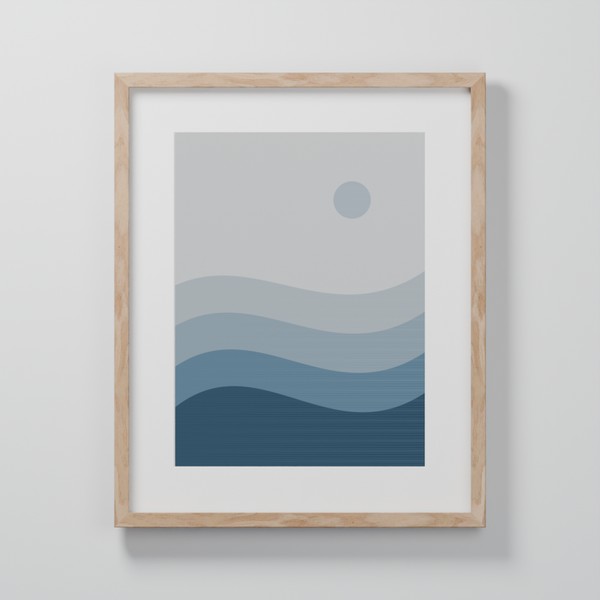
Start with a photograph or a work of art. Explore frames, mats, backgrounds and light until it feels like you.
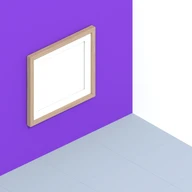
FOR iPhone & iPad
The photo you keep coming back to. The painting that stays with you. Give it a frame, a little space, and a place in your everyday life.
The download link will be added here when Wallside is ready.
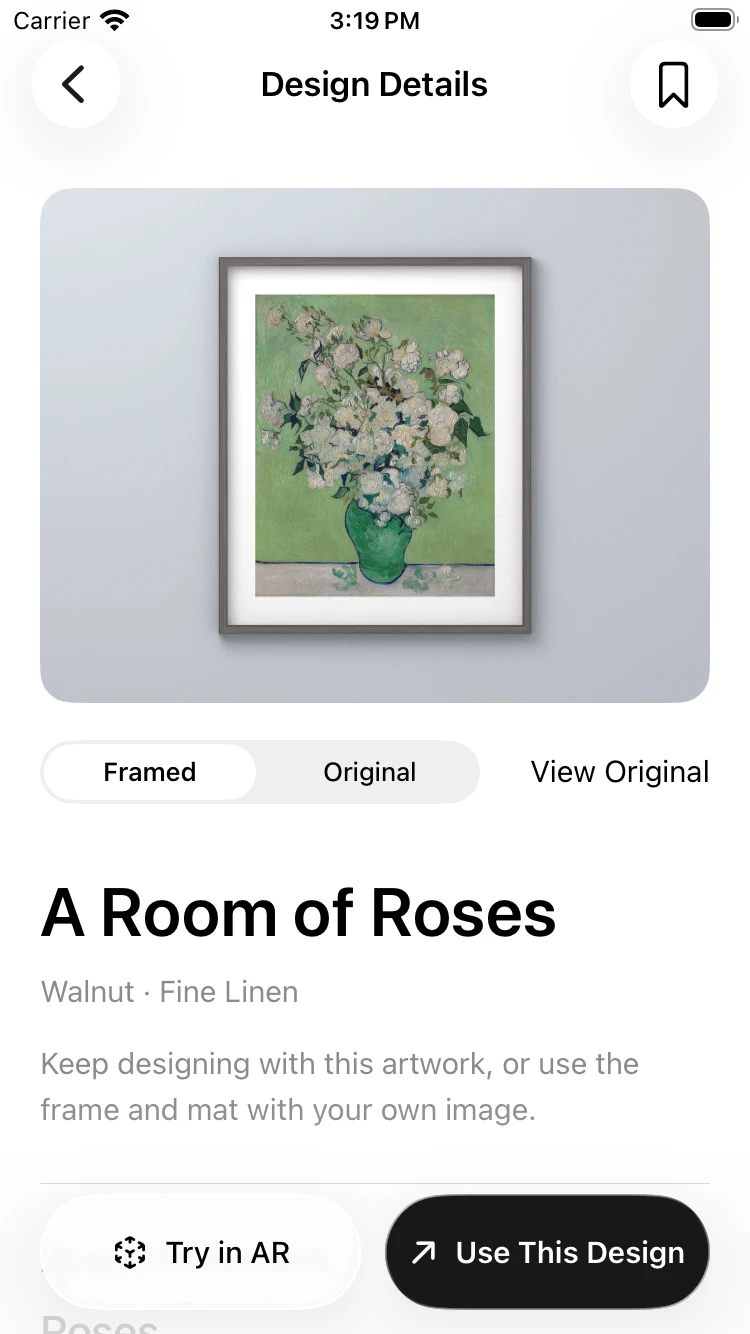
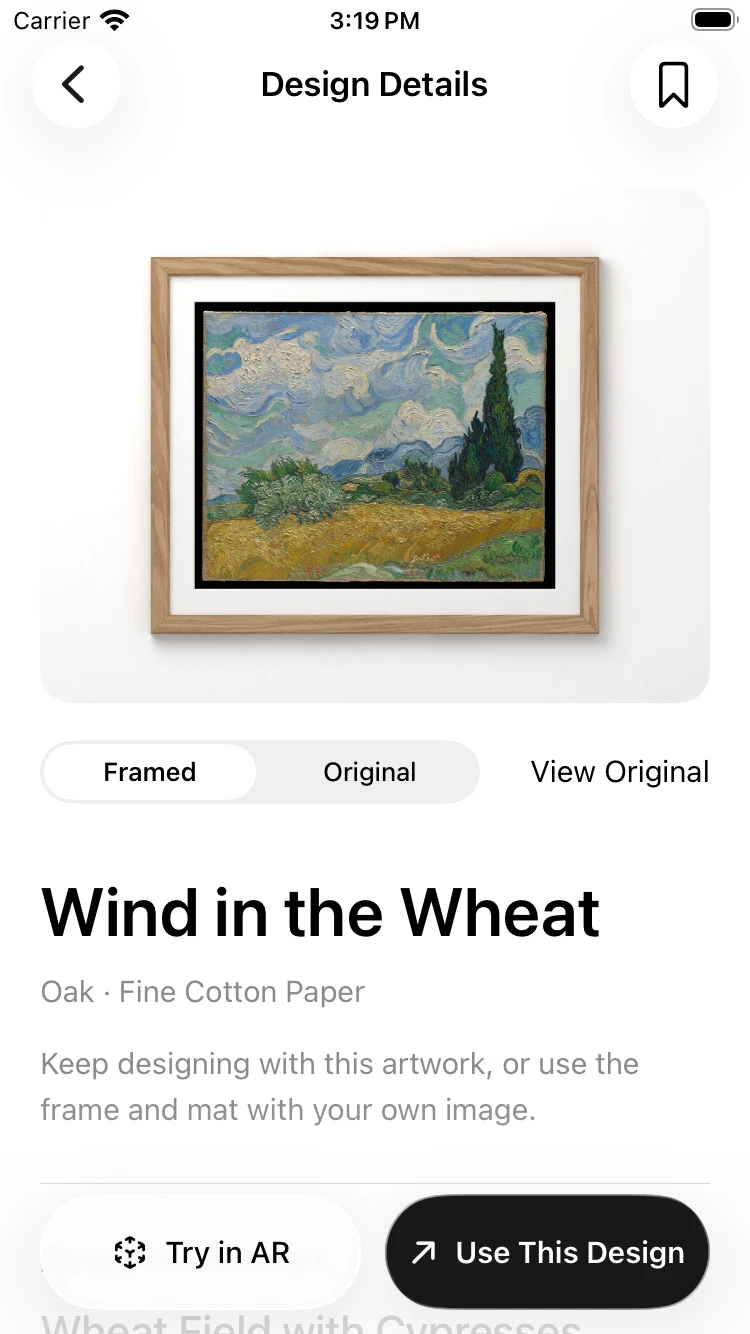
Start with a photograph or a work of art. Explore frames, mats, backgrounds and light until it feels like you.
Try an AR preview on a supported device. Find a place for the work before deciding how to display it.
Save your compositions in your personal library. Organise them into collections, and pick up where you left off.
THE PLEASURE IS IN THE DETAILS
The warmth of a wood frame. The quiet of a paper mat. A shade of colour behind it all. Small choices can change the way you see a picture.
Explore the art of framing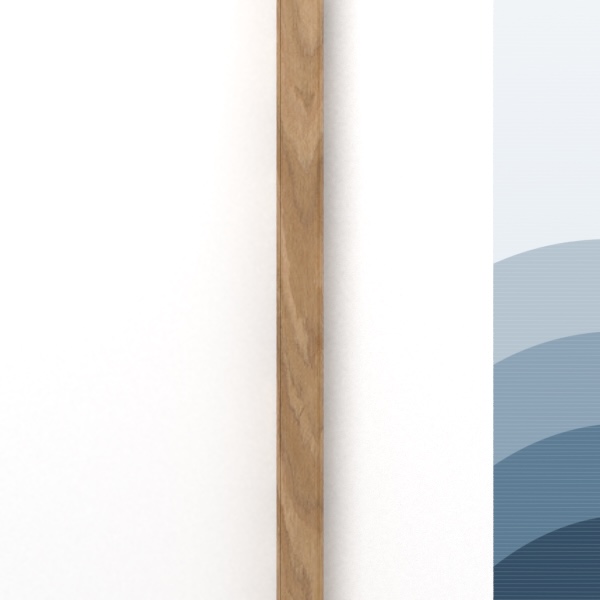
BEFORE YOU BEGIN
We’re preparing for public release. The App Store link will appear on this page when it is ready.
Yes. Start with an image from your photo library, then choose a frame, mat and background. You can also explore curated artwork for inspiration.
Wallside creates digital framing previews. Physical frames are not available to order yet.
WALLSIDE
Wallside for iPhone & iPad.